

Wall Studio
Wall Studio: Turn a Room Photo into a Clear Design Direction
Use your own room as the starting point for a finish conversation, from the first photo to a reviewable concept.
Start with a useful photograph
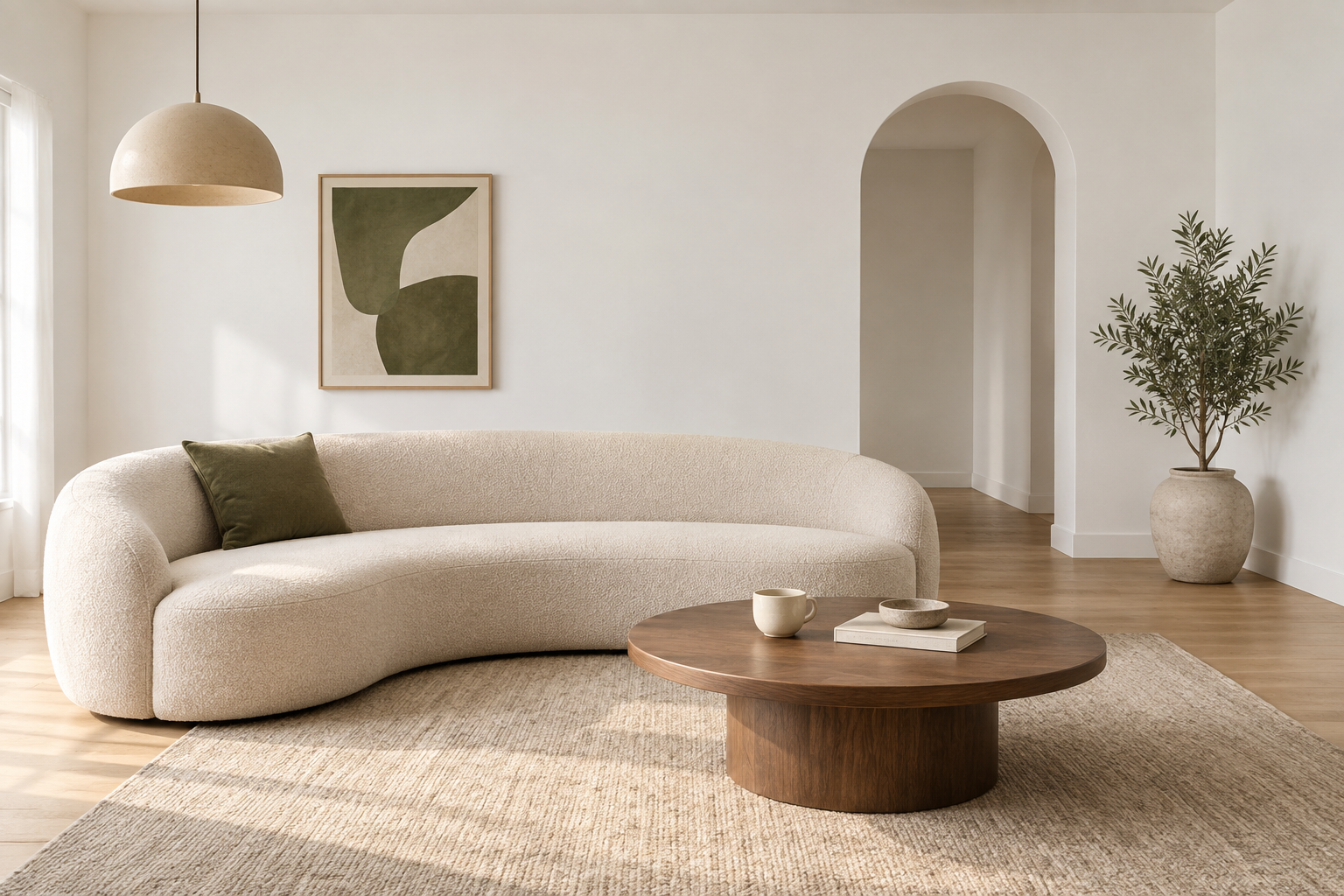
A clear room photo gives a preview the best starting point. Stand far enough back to include the wall edges and the furniture in front of them. Keep the camera level and avoid an extreme wide-angle view when possible. Daylight can help show the surface, but strong glare may hide details. The white-wall room shown here is a design concept; your own photograph will make the exploration more relevant to your project.
Define what changes
In Wall Studio, choose the room and identify the area where the finish should appear. Use the object and wall selection tools to keep furniture in front of the treatment. Automatic selections may need refinement around soft furnishings, fine edges, or objects that blend into the background. The manual tools let you correct the area instead of accepting the first result. A careful outline makes comparisons easier to judge.
Compare one decision at a time
Try a few finishes that represent different directions rather than browsing endlessly. Compare a lighter surface with a darker one, or a quiet texture with a stronger pattern. Adjust pattern scale, rotation, and blend strength to explore how the finish might sit in the photograph. These are visualization controls, not a product specification. Screen color, image lighting, and the source texture can all change the impression.
Bring the preview to a conversation
Enter measured wall dimensions when you have them; a photograph alone cannot establish real-world size. Review the concept with the room use, preparation needs, and preferred timing in mind. Save or download the preview where available and use it to explain what you want to achieve. The most useful outcome is a clear direction that can be checked against real samples and installation conditions. Wall Studio helps you ask better questions before committing to the final material.
Plan your next step
Explore your room in Wall Studio, book a consultation, or contact LayeredFX with your photos and project details.
Image: photorealistic design mockup, not a completed customer installation.